Planning is the easy part.
I think most of us would agree.
It’s easy to see where something is supposed to go. But it’s not so easy to know whether it will go there at all. We can only glean that information from hindsight.
I spent weeks planning how to handle the website and business changes.
I have doubted myself and believed in myself at once.
But whenever I feel that conflicting feeling of not knowing where I am going, I go back to my plans and intentions.
I go back to writing… and to what actually excited me in the first place.
I know it’s so hard to be excited again when you’re in the middle of it all, believe me.
Last week, I froze.
I sent out all the emails. Did all the content. Posted and published on every platform that excited me.
And then, when the feedback came and the responses arrived, I froze.
It took me a week to even consider the idea of un-freezing… to get back to my plans and really, actually remember my own processes. So here they are:
The tools
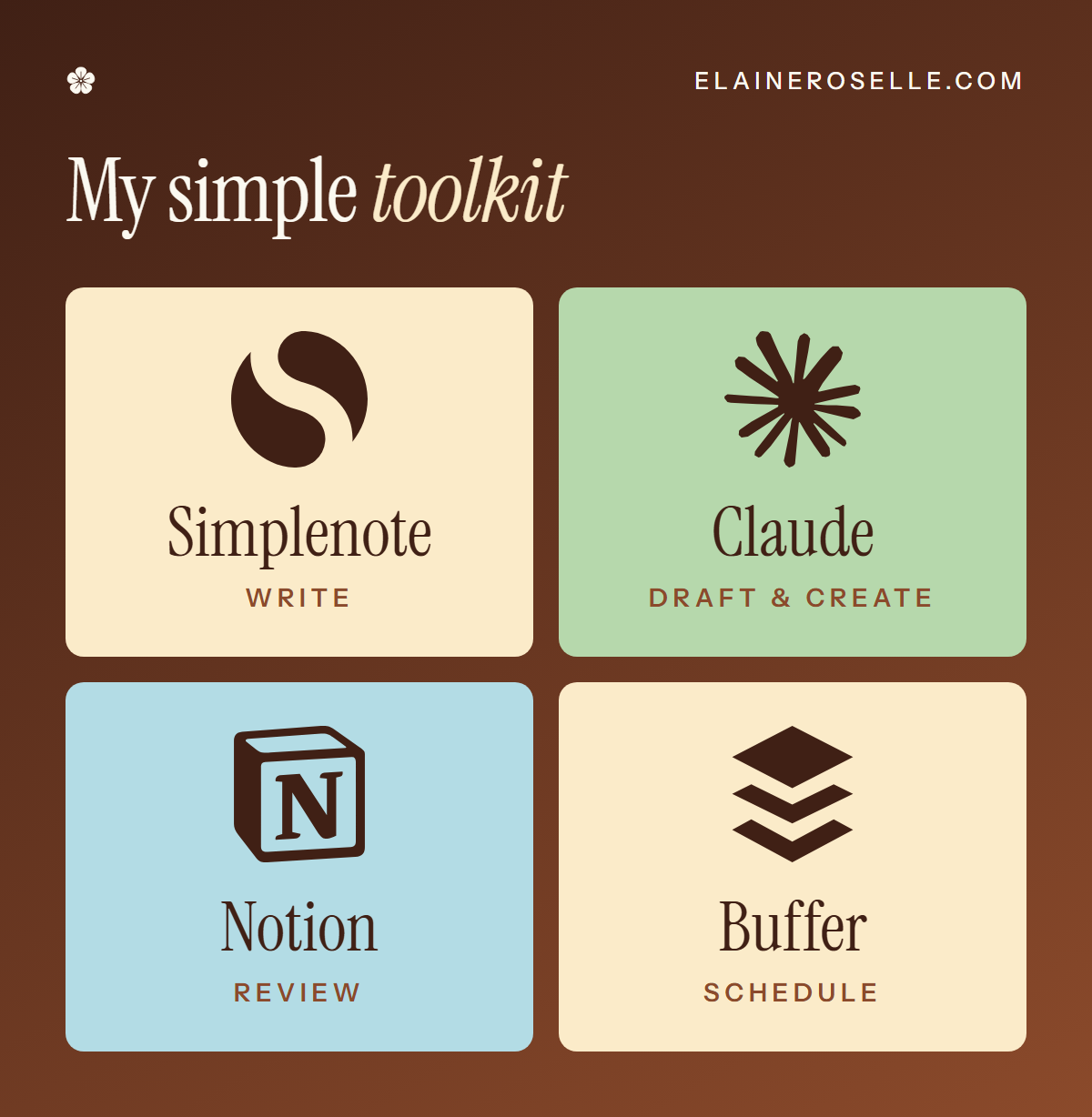
- Simplenote for writing
- Claude for drafting, repurposing and creating assets
- Notion for reviewing and organising everything
- Buffer (or each app’s own scheduler) for scheduling
Time and time again, I’ve noticed that this setup can seem quite un-simple. And as my home page says, “Simple is how good things grow.” So what gives?
I find Simplenote faster for jotting down ideas, and I only add them to Notion once they feel worth pursuing. Each tool does one job, so none of them gets in my way.
My steps:
1. I write first in Simplenote
Every idea starts with jotting it down. There’s no formatting yet, but I like to do bullet points and checklists.
There’s a small irony here. Simplenote is owned by Automattic, the same company behind WordPress. I’m moving twenty years of writing away from WordPress, but my notes still live in its sister app. I don’t mind. It’s quick, it syncs everywhere, and it stays out of my way.
I think coming up with your own ideas matters. But if you get excited by ideas from other people as well, then it’s still all good! Anyone can have an idea but few people tend to do something about it.
2. Claude drafts the article
I paste my notes into Claude and let it shape a draft: an opening, a structure, headings and a clear ending.
My notes are usually a bit of a ramble. Claude is good at finding the order in them. It doesn’t add the ideas. It arranges the ones I already have.
Also side note, the intro is something I like to write or rewrite on my own.
As someone who has written stuff for quite some time, intros are usually quite… challenging and… mind-boggling.
So I understand if AI doesn’t always get it just right, you know?
3. I edit
Then the draft comes back to me, and I edit out words that sound unfamiliar to me or cut lines that feel a bit awkward.
I add some personal stories too. Nothing says “human” more than personal context!
4. I choose the card line
Every post on this blog has a featured image with a one-line quote on it. I pick that line myself, from the edited article. It’s usually the sentence I’d want someone to remember if they only read one thing.
That one line becomes the seed for everything that comes next.
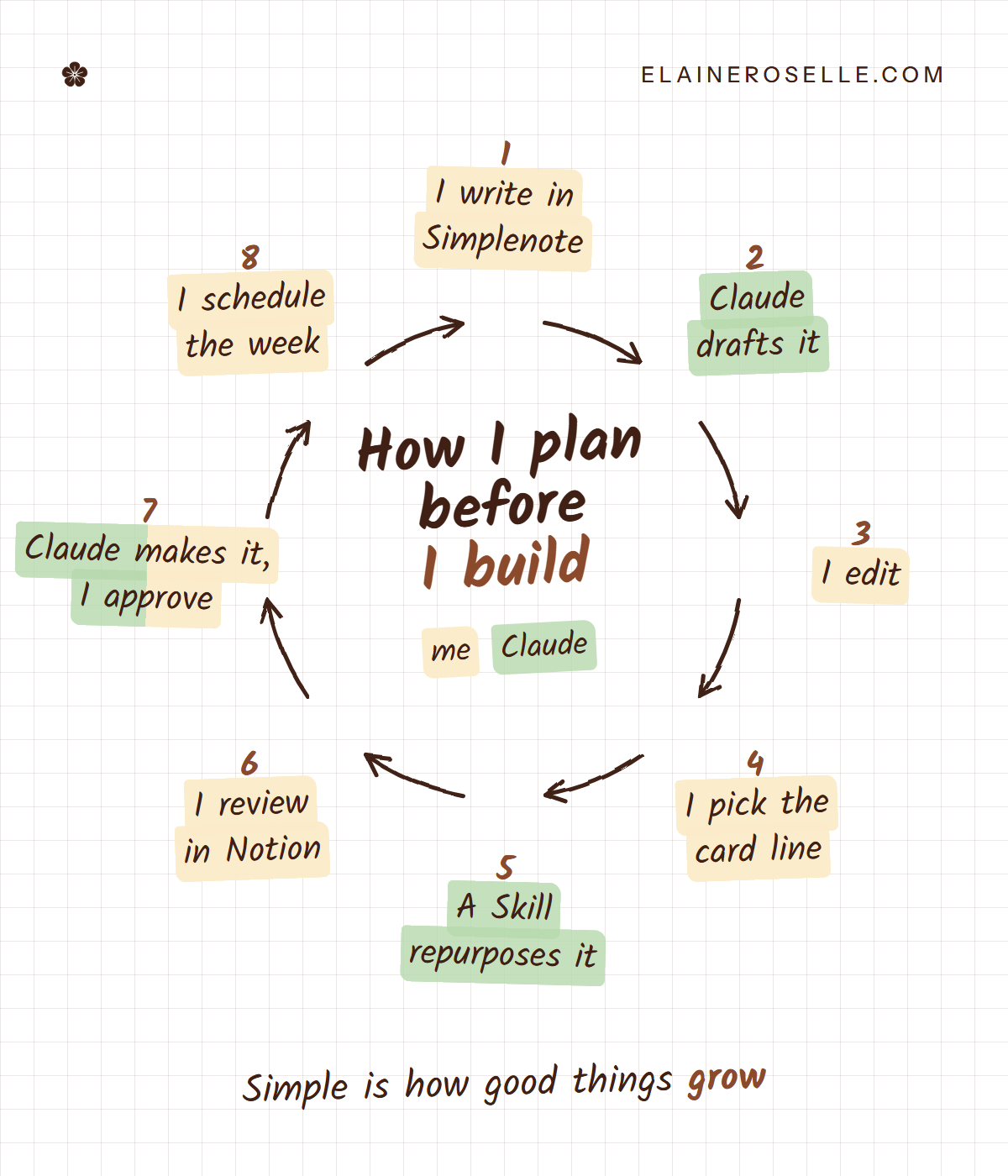
5. A Claude Skill repurposes it for Instagram and Pinterest
Next, I hand the article and the card line to a Claude Skill. A Skill is a saved set of instructions, so Claude follows the same steps every time instead of me explaining it all again.
Mine turns one blog post into content for the rest of the week: Instagram stories, reels and carousels, plus Pinterest pins, depending on the strategy I’m working with currently.
It writes the copy for each one, all pulled from what I’ve already written, and adds them straight to my Social Posts database in Notion.
The best part is consistency. My social posts sound like my blog because they come from my blog.
6. I review it in Notion
I open Notion and go through what the Skill prepared. I edit what needs editing, cut what doesn’t fit, and make sure each piece still sounds like me.
Each post has its own entry in the database, so I can see the whole week at a glance.
7. Claude creates the assets, and I approve them
Once the words are right, I go back to Claude with a separate prompt that turns the copy into the actual carousels, reels and pins. I review each one. If it’s not right, it goes back. Nothing gets posted until I’ve said yes.
8. I schedule the week
Finally, I schedule everything for the rest of the week. I use Buffer, or the apps’ own built-in scheduling, and I cross-post to Facebook so one post reaches both places. Then I close the laptop and get on with my life.
One sitting of planning means I’m not scrambling for something to post every day.
Where AI fits, and where it doesn’t
AI does a lot of the heavy lifting here: drafting, repurposing, and turning copy into carousels, reels and pins. Before 2022, that part took me days!
But look at the steps again. I write first. I edit. I choose the line. I review. I approve.
AI helps turn my words into something even better. It doesn’t think for me, nor does it have to say anything I wouldn’t agree with.
I think (and believe) AI is meant to multiply what we create for the better if we have good intentions, but it can also do the same for people who don’t necessarily have the best at heart.
But you and me, we are well-intentioned, good-hearted people.
We are not just here to make a living or a life. We are here because this is our calling and purpose in life, and THAT message deserves to be shared, repurposed and spread out into the world.
If you have something to share, you deserve to have it received in whatever way and through whatever platform.
You get to work with AI to be exactly where you want to publish online.
Try a smaller version
You don’t need my exact tools. Here’s the simple version:
- Write your own thoughts first, in whatever notes app you already use.
- Ask AI to shape them, not to invent.
- Edit what matters.
- Pick one line that sums up the post.
- Turn that one post into a few smaller ones for wherever your people are.
- Review everything before it goes out, then schedule it and step away.
One honest caution: whatever you paste into an AI tool, it reads. It’s best to keep other people’s private details… private. wink
If you’d rather someone else helped plan and build your website, that’s what I do now at websites.elaineroselle.com. Tell me how you plan your content: reply by email or comment on Substack. I’d love to know.
Still learning with you, little by little. 🤎
xo,
Elaine Roselle
This post was created from my own notes and drafted with the help of AI. It is carefully edited to fit my own voice.